
Mac
What you need
- macOS 13 Ventura or later
- Apple silicon and Intel, in one app
- Signed and notarized by Apple
Install
- Open the downloaded .dmg.
- Drag TimeTally into Applications, then open it.
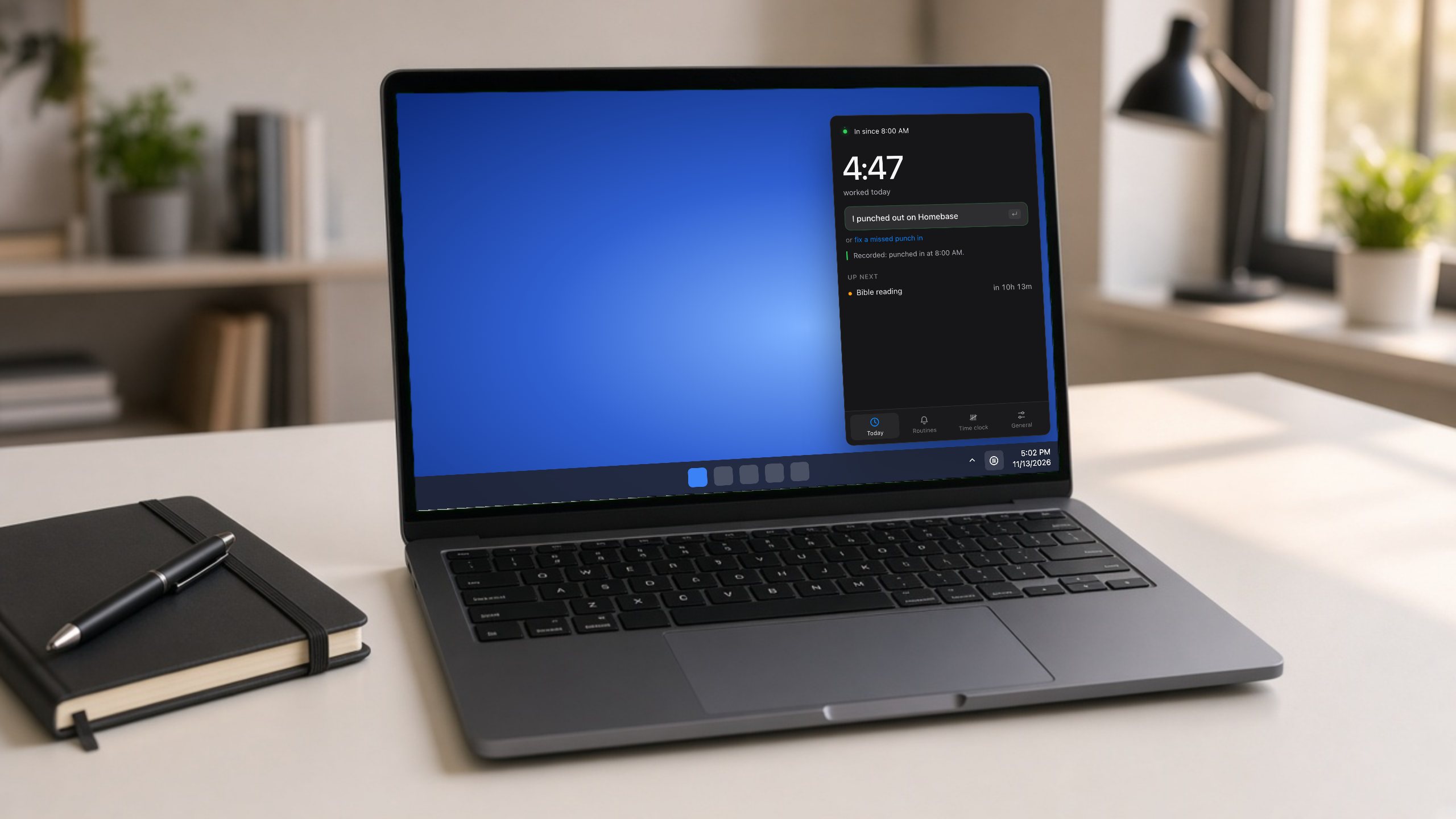
- It appears in the menu bar at the top right. Click it to sign in and set your hours.